
The Plugins That Give Founders Superpowers
Claude Code's plugin marketplace changes what the tool is. One plugin is the right place to start.

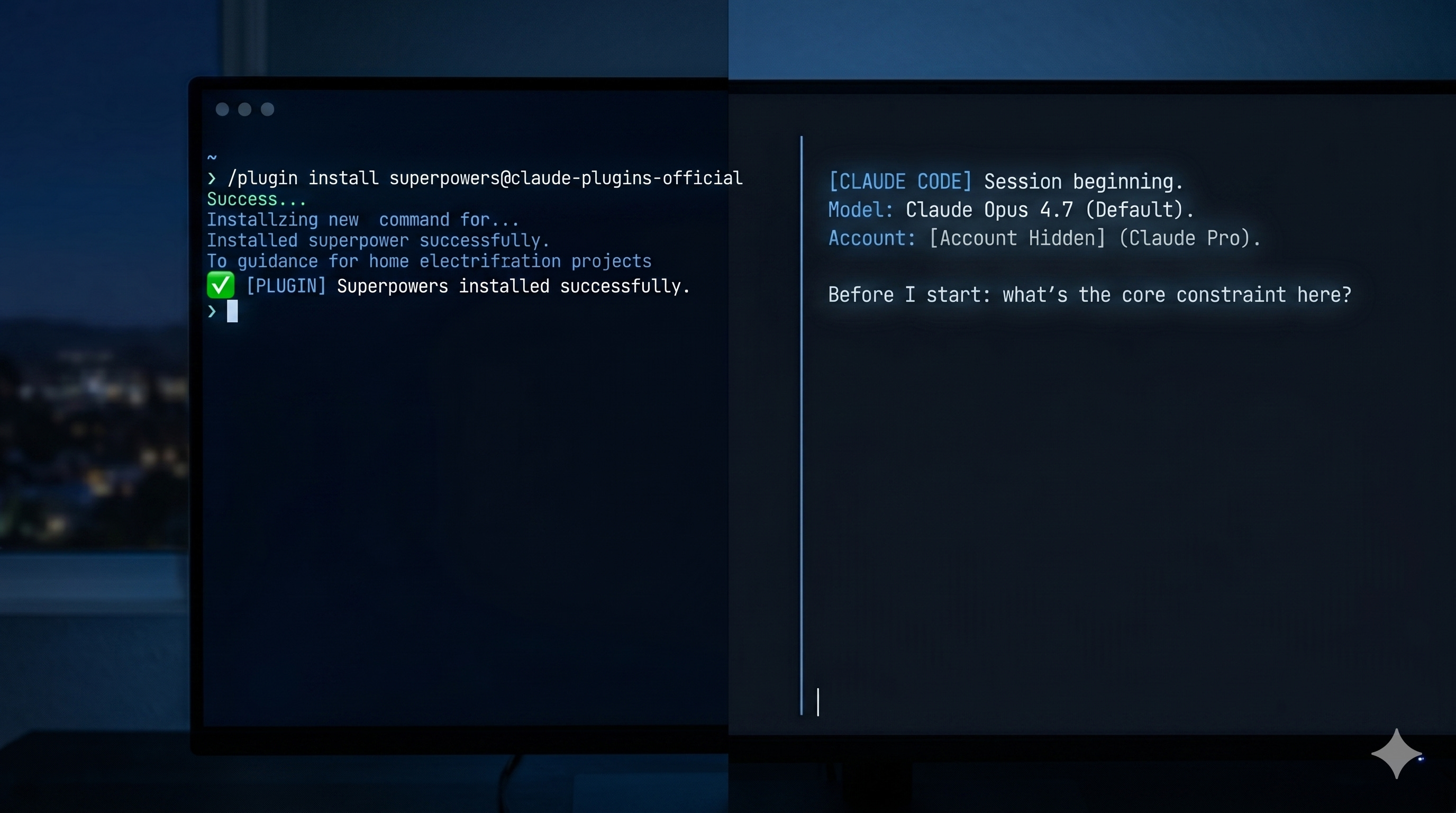
Most founders using Claude Code are still working with the base install — just Claude, a terminal, and their project files. That’s already powerful. But Claude Code has a plugin marketplace, and the founders who’ve found it are running a materially different tool.
One plugin is literally called Superpowers. Start there.
Superpowers: The Workflow Plugin
Jesse Vincent and the team at Prime Radiant built Superpowers to solve a problem that every serious Claude Code user eventually hits: by default, Claude Code is brilliant but undisciplined. Left to its own devices, it will happily write code before it understands the problem, skip tests, and declare success before verifying anything actually works.
Superpowers is the most comprehensive workflow plugin in the official marketplace. It bundles skills, agents, hooks, and slash commands into a complete software development discipline — one that activates automatically, without you having to ask for it each session.
Here’s what that looks like in practice:
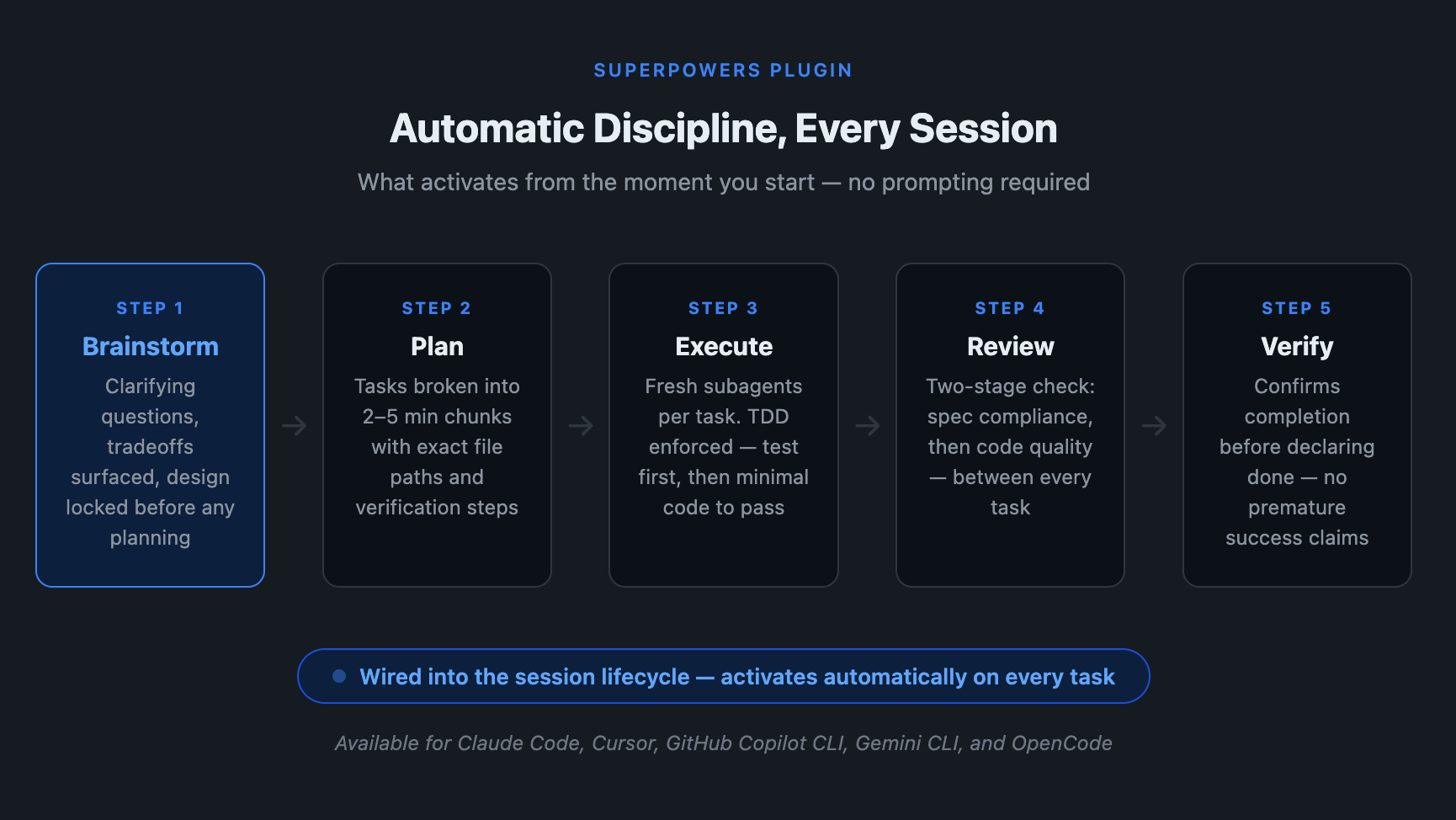
When you start a session with a new feature or project in mind, Superpowers doesn’t let Claude jump straight to code. A brainstorming skill activates: it asks clarifying questions, surfaces tradeoffs, and locks down a design before any planning starts. The design gets presented in sections short enough to actually read and approve.
Once you sign off, a writing-plans skill breaks the work into tasks — two to five minutes each — with exact file paths, complete code expectations, and explicit verification steps. No vague “implement the auth flow” tasks.
Execution follows through subagent-driven development: fresh subagents per task, two-stage review on each one (spec compliance first, then code quality). Throughout, test-driven development is enforced — write the failing test, watch it fail, write the minimal code to pass, commit. Code written before tests gets deleted.
Rounding it out: systematic debugging for when things break, requesting-code-review between tasks, and verification-before-completion to prevent the model claiming done before it’s actually confirmed.
You don’t trigger any of this manually. The hooks and skills wire into the session lifecycle. Your Claude Code just behaves better from the moment you start.
If you’ve ever watched Claude sprint toward an implementation before it fully understood the problem — Superpowers is the fix. It’s the single highest-leverage install you can make.
Superpowers is also available for Cursor, GitHub Copilot CLI, Gemini CLI, and OpenCode, so it travels across tools if your team isn’t all on Claude Code. Jesse’s Discord community (discord.gg/Jd8Vphy9jq) is active, and the source is on GitHub.
The Rest of the Ecosystem
Now you’ve seen what a workflow plugin does. Here’s the broader picture.
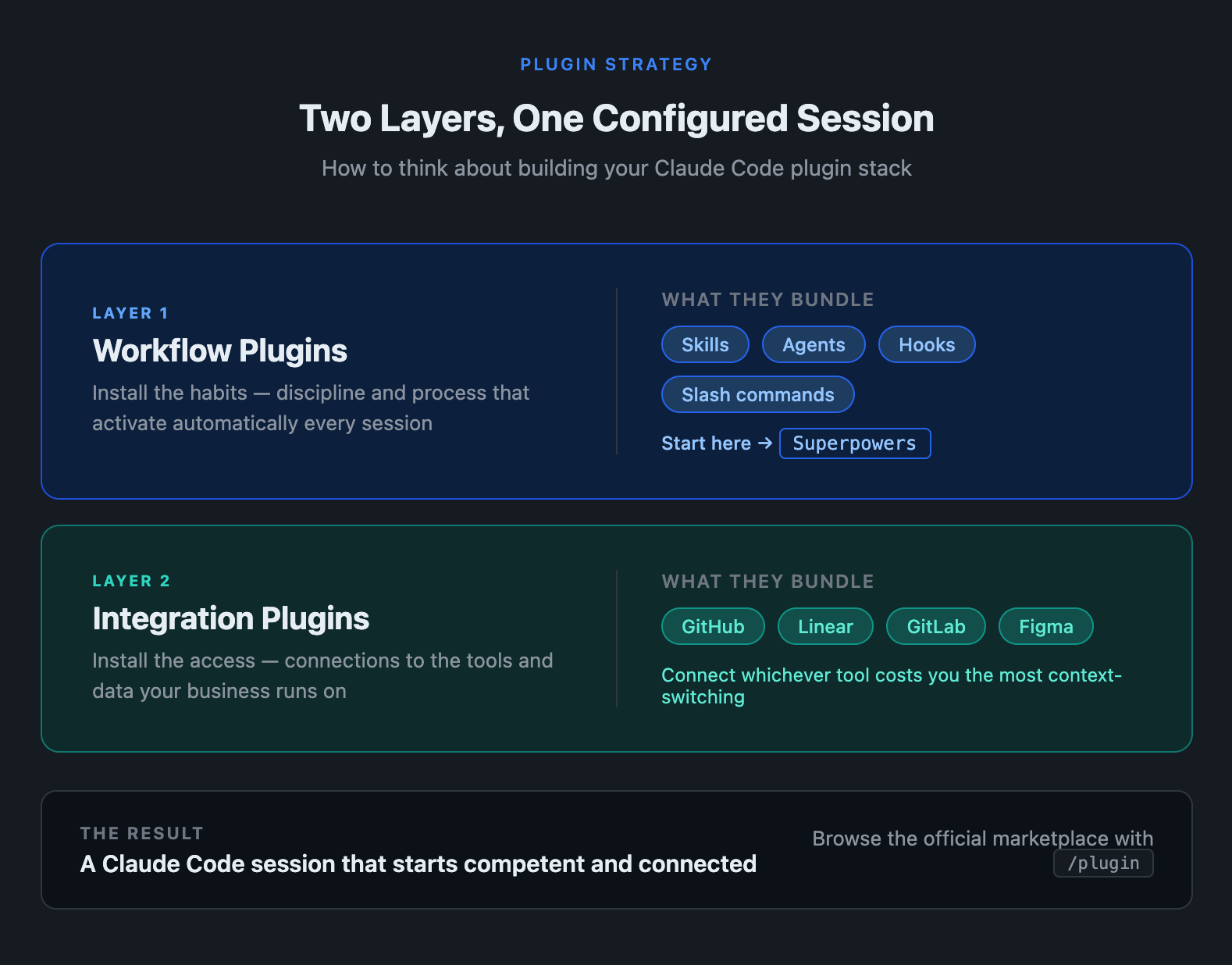
A plugin is a packaged set of capabilities layered onto Claude Code at install. Workflow plugins like Superpowers bundle behavioral discipline — skills, hooks, agents, slash commands. Integration plugins bundle MCP connectors that link Claude directly to your tools: GitHub, GitLab, Linear, Figma. One command, new capabilities.
The official marketplace is built in. Run /plugin to browse and install. You can scope installs to a single project (shared via .claude/settings.json), across all your projects, or private to your local machine.
One thing worth knowing before you start browsing: plugins can execute arbitrary code on your machine. Hooks fire shell commands. MCP servers run as external processes. Anthropic’s official marketplace (claude-plugins-official) has a review process; community plugins don’t. Treat them like a VS Code extension from an unfamiliar publisher — review what they register before you install.
Connecting Your Stack
The official marketplace includes plugins for GitHub, GitLab, Linear, and Figma. The pattern is consistent: install the plugin, Claude Code gains the ability to query and act in that tool directly. Ask it to “find the three Linear tickets tagged payment-flow and draft a plan to address them” and it pulls from Linear without you switching apps. Ask it to “open a PR for this fix with a description pulled from the related issue” and it does that end to end.
When evaluating integrations: prefer official vendor implementations over community alternatives, check that permissions are read-heavy by default, and start narrow — connect the one or two tools you waste the most time context-switching to, not your entire stack.
Two Layers, One Session
Think of your plugin stack in two layers. Workflow plugins install the habits — the discipline and process that would otherwise have to be re-prompted every session. Integration plugins install the access — the connections to the tools and data your business runs on. Together they produce a Claude Code session that starts competent and connected.
Start with Superpowers. Run /plugin install superpowers@claude-plugins-official and open a new session. Notice what changes. Then identify one integration that would cut the most context-switching from your current work.
The blank-slate Claude Code is powerful. The configured one compounds.
Want the full walkthrough on configuring Claude Code for a founder workflow? Subscribe to get it delivered.
Questions? Leave a comment below or connect on LinkedIn.